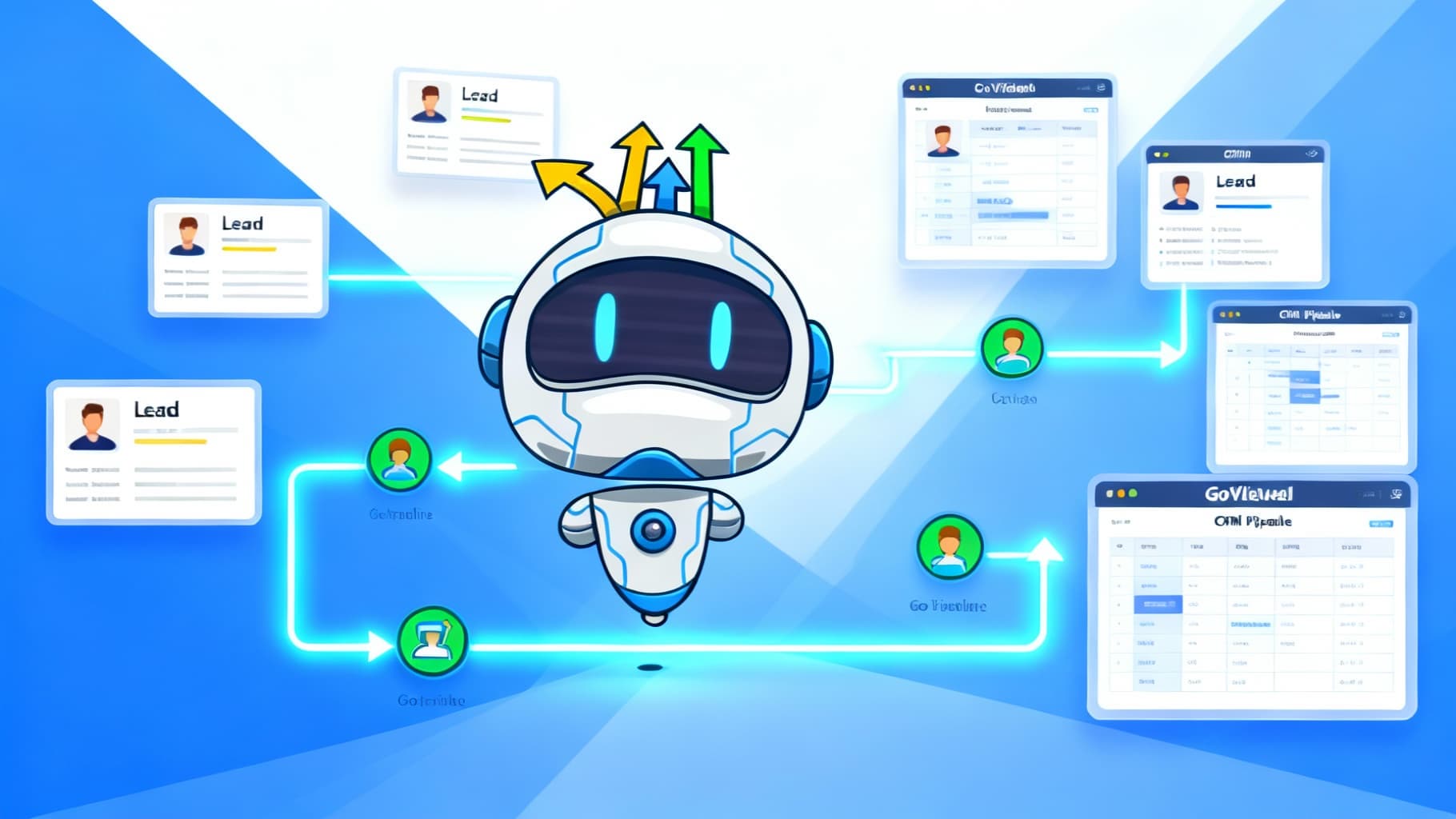
GoHighLevel CRM helps you collect, organize, and follow up with leads in one place. Whether you’re a small business owner or running an agency, it streamlines lead capture, automates nurturing, and tracks your sales pipeline from first touch to closed deal. With smart workflows and clear reporting, you can focus on what matters—turning contacts into customers.
GoHighLevel CRM centralizes lead capture and organization.
Automated workflows make lead nurturing consistent and hands-off.
Tracking and reporting reveal bottlenecks and boost conversions.
Start your 30-day free trial of GoHighLevel CRM today. Get full access to all features and see why 2M+ businesses trust GoHighLevel.
Start Free TrialGoHighLevel gives you simple tools to organize, track, and follow up—so no lead gets missed. You can automate routine tasks, keep deals moving, and maintain a single source of truth for your team.
Unified contact profiles: store details, notes, tasks, and full message history.
Drag-and-drop pipelines: move opportunities through stages visually.
Automation builder: trigger emails, SMS, tasks, and tags based on behavior.
Two-way texting & call tracking: manage conversations directly in the CRM.
Reminders & SLAs: ensure timely follow-ups and faster response times.
Reporting dashboards: monitor lead sources, stage movement, and close rates.
Fewer manual steps and fewer mistakes.
Shared visibility across your team for smoother handoffs.
Faster follow-ups, higher close rates, and better customer experience.
Clear campaign attribution so you can double down on what works.
A good CRM organizes your workflow and automates the busywork:
Stages that match your process: New → Contacted → Qualified → Proposal → Won/Lost.
Instant triggers: send an email, assign an owner, or update a tag when a lead takes an action.
Search & filters: find leads by tag, source, status, or last activity.
Context at a glance: notes, files, and conversations attached to each record.
Visual pipeline: spot bottlenecks quickly and take action.
Keep forms short (name, email, phone).
Use exit-intent or time-delayed pop-ups to catch interest without annoying visitors.
Make forms mobile-friendly and test different CTAs.
Offer a lead magnet (eBook, checklist, discount) to lift conversions.
Track form performance and iterate on fields, copy, and timing.
Goal: one page, one offer, one action.
Checklist:
Clear, benefit-driven headline
Short, scannable copy (bullets help)
Prominent, contrasting CTA button
Trust signals (reviews, logos, guarantees)
Simple form or “Book a Call” button
A/B test headlines, imagery, social proof, and CTAs to keep improving.
Apply tags like New Lead, Webinar, Booked Demo, Downloaded Guide.
Build segments by behavior (clicked, opened, booked), interests, or source.
Send relevant messages to each group for higher engagement.
Keep tagging purposeful and consistent—use a short naming convention.
Connect forms, landing pages, and ads directly to the CRM.
Use automation (or Zapier/webhooks) to:
Add new leads to lists and pipelines
Assign owners and tasks
Notify the right team channel instantly
Route by source, service line, or region
Map your ideal path: Form → Welcome → Education → Offer → Close.
Use clear triggers (form submitted, link clicked, stage changed).
Keep flows simple, then iterate based on performance.
Review weekly and prune steps that don’t move the needle.
Answer FAQs, qualify leads, and book appointments 24/7.
Capture key details (budget, timeline, service interest) to improve scoring.
Feed bot data back into segments for sharper follow-ups.
Segment by behavior and lifecycle stage.
Drip emails/SMS/voicemails over days or weeks.
Mix education (how-tos, case studies) with soft CTAs.
Trigger nudges after micro-actions (opened but didn’t click, visited pricing page).
Monitor reply rates, open/click metrics, and appointment conversions—adjust cadence as needed.
Create pipelines per service line or team.
Rename stages to match your real process; reorder as you learn.
Add automation on stage change (e.g., “Proposal Sent” → task to follow up in 48h).
Open: active deals in motion
Won: successfully closed
Lost: didn’t convert
Abandoned: unresponsive or paused
Use filters and saved views to prioritize today’s actions.
Treat each deal as an opportunity with owner, value, and next step.
Log calls, notes, and files right on the record.
Auto-advance stages or create tasks after key actions (e.g., proposal viewed).
Review stage-to-stage conversion rates to find and fix leaks.
Multi-channel sequences (email + SMS) win more replies.
Trigger specific follow-ups: opened/no reply → SMS; clicked → booking link.
Use deadline-based prompts (expiring bonus, limited spots) to spur action.
Score on actions: form submit (+15), email open (+5), link click (+10), booking (+25).
Route hot leads to immediate outreach; keep cold leads in nurture.
Trigger human touch when score crosses a threshold.
Personalize with merge fields and dynamic blocks.
Keep messages short, clear, and benefit-led.
Test subject lines, send times, and CTA placement.
Track opens, clicks, replies, bookings—iterate weekly.
Dashboards for lead sources, stage movement, and close rate.
Custom reports for KPIs: CPL, win rate, cycle length, revenue by source.
Schedule weekly digests for your team to stay aligned.
Centralized history = smarter context and better timing.
Tag by behavior and re-target with relevant offers.
Use last-touch/first-touch views to credit the right channels.
Compare campaigns side-by-side: leads, SQLs, wins, revenue.
Track ROI and customer lifetime value to optimize spend.
Use cohort views (by month/source) to see retention and upsell potential.
Start simple: one pipeline, one nurture, one booking flow—then expand.
Standardize tags & stages: short codes, shared glossary, zero confusion.
Document SLAs: response time, follow-up cadence, handoff rules.
Audit monthly: kill low-performing steps, double down on winners.
Keep humans in the loop: alerts for hot leads and stalled deals.
What are best practices for tracking lead interactions?
Log every touch, tag consistently, and update stages immediately. Review your pipeline daily to prevent stalls.
How does GoHighLevel support lead nurturing and follow-up?
Automations send timed emails/SMS/voicemails after key actions, while tasks keep your team accountable for personal outreach.
Can I automate lead qualification?
Yes—use forms, chatbots, and scoring rules to identify sales-ready leads and trigger fast human follow-up.
What analytics matter most?
Watch source quality, stage conversion, win rate, response time, and booking rate. These reveal leaks and growth levers.
How does it integrate with other tools?
Use native integrations or connect apps via Zapier/webhooks to sync ads, forms, calendars, and reporting.
Can workflows be customized to my process?
Absolutely. Build custom pipelines, rename stages, and trigger actions based on behavior, time, or team rules.

If you’re looking for an all-in-one marketing and sales solution, this GoHighLevel...
GoHighLevel
November 11, 2025

The world of digital marketing trends 2025 is rapidly changing — and...
GoHighLevel
November 11, 2025

In today’s market, instant connection is everything. WhatsApp is a global powerhouse...
GoHighLevel
November 7, 2025