Creative Ways to Use GoHighLevel CRM Triggers for Smarter Automation

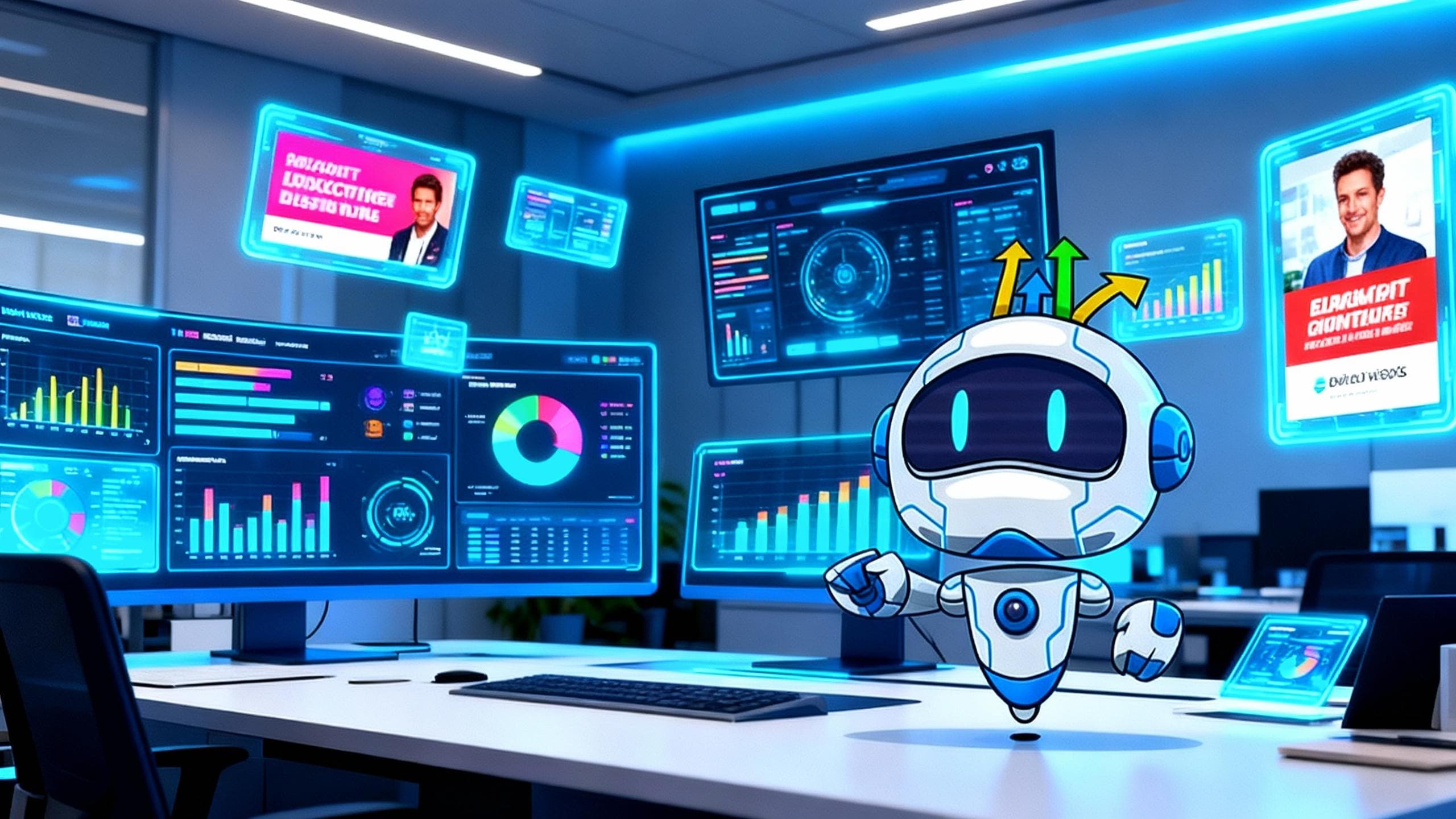
Imagine having a digital assistant that quietly handles the repetitive little tasks that eat away at your time every day. That’s what GoHighLevel CRM can do for your business.
Whether you’re running a small business or leading a digital agency, automation through triggers lets you save time, stay organized, and never let a lead slip away. Instead of manually following up or assigning tasks, your CRM does it in the background—so you can focus on strategy, not busywork.
What Are Triggers in GoHighLevel CRM?
Ready to Transform Your Business?
Start your 30-day free trial of GoHighLevel CRM today. Get full access to all features and see why 2M+ businesses trust GoHighLevel.
Start Free TrialTriggers are automation rules that perform specific actions based on conditions you define. Think of them as digital switches:
“When this happens, do that.”
Common trigger actions include:
-
Assigning new leads to team members
-
Sending email or SMS reminders
-
Updating contact details and tags
For example, when someone fills out a form on your website, a trigger can:
-
Instantly assign that lead to a sales rep
-
Send a thank-you message
-
Tag the contact for proper follow-up
No delays. No manual steps. Just smooth, automatic movement through your funnel.
1. Automating Lead Generation
Ready to Transform Your Business?
Start your 30-day free trial of GoHighLevel CRM today. Get full access to all features and see why 2M+ businesses trust GoHighLevel.
Start Free TrialLead generation works best when speed meets personalization. Triggers help you act the moment someone shows interest.
Here’s how:
-
Tag new contacts based on lead source (e.g., ad, landing page, call).
-
Automatically assign leads to the right rep or pipeline.
-
Deliver a personalized welcome message immediately.
This real-time response gives your team a head start and builds trust before the competition even blinks.
2. Enhancing Customer Follow-Ups
Ready to Transform Your Business?
Start your 30-day free trial of GoHighLevel CRM today. Get full access to all features and see why 2M+ businesses trust GoHighLevel.
Start Free TrialFollow-ups make or break conversions. Triggers ensure no one gets forgotten in the shuffle.
Smart follow-up automations include:
-
Sending onboarding messages when someone signs up
-
Delivering next-step instructions after a form submission
-
Spacing out nurturing messages over a few days
For example, when a lead clicks a demo link, your CRM can send them a follow-up email with booking options. It’s personal—without being manual.
3. Streamlining Appointment Scheduling
Ready to Transform Your Business?
Start your 30-day free trial of GoHighLevel CRM today. Get full access to all features and see why 2M+ businesses trust GoHighLevel.
Start Free TrialAppointment no-shows are frustrating. Triggers help keep your calendar full by:
-
Sending automatic confirmation messages after booking
-
Delivering SMS or email reminders 24 hours before the meeting
-
Notifying your team instantly if someone cancels or doesn’t respond
You can even segment contacts based on whether they confirmed or didn’t reply, making retargeting much easier later.
4. Managing Campaigns More Efficiently
Ready to Transform Your Business?
Start your 30-day free trial of GoHighLevel CRM today. Get full access to all features and see why 2M+ businesses trust GoHighLevel.
Start Free TrialCampaign management often involves a lot of repetitive handoffs. Triggers simplify the process by moving contacts through your funnel automatically:
-
If a lead downloads your lead magnet, the system moves them to the next step.
-
If they open an email or click a link, they get added to a specific sequence.
-
If they don’t engage, they’re sent a re-engagement message.
This kind of smart segmentation lets you target the right people at the right time, without drowning in manual work.
5. Monitoring and Reporting in Real Time
Ready to Transform Your Business?
Start your 30-day free trial of GoHighLevel CRM today. Get full access to all features and see why 2M+ businesses trust GoHighLevel.
Start Free TrialYou don’t need to spend hours digging through reports. Triggers can send you automated alerts and summaries:
-
Daily or weekly performance digests
-
Notifications if a lead hasn’t been contacted in a set number of days
-
Alerts when certain metrics drop
This means you can stay on top of performance trends without living in spreadsheets.
👉 Example: During a consultation campaign, triggers can text leads right after an ad click, send prep materials after booking, and follow up if they miss the call. That sequence alone can save your team hours every week.
Best Practices for Setting Up Triggers
Ready to Transform Your Business?
Start your 30-day free trial of GoHighLevel CRM today. Get full access to all features and see why 2M+ businesses trust GoHighLevel.
Start Free TrialJumping into triggers without structure can get messy fast. A clean, strategic setup makes your automations scalable and easy to manage.
Here are some best practices:
-
🎯 Start with the goal. Know the action you want to automate and the outcome you want to achieve.
-
🧭 Keep your logic clear. Make sure every condition connects directly to its action.
-
🧼 Simplicity wins. One sharp trigger usually outperforms a complicated chain.
-
🧪 Test like a user. Walk through the flow yourself before going live.
-
🔁 Review regularly. As your business evolves, your automations should too.
⚠️ Pro tip: Avoid overlapping triggers. If two workflows respond to the same event (like a lead tag), you could end up sending duplicate messages without realizing it. Keep a trigger checklist to stay organized.
Smarter Automation Starts With Planning
Ready to Transform Your Business?
Start your 30-day free trial of GoHighLevel CRM today. Get full access to all features and see why 2M+ businesses trust GoHighLevel.
Start Free TrialTriggers start as a convenience—but when set up strategically, they become a game-changer. They quietly handle the details so you can stay focused on scaling your business.
Whether you’re generating leads, following up with customers, scheduling appointments, or monitoring campaigns, smart triggers keep everything moving without you constantly stepping in.